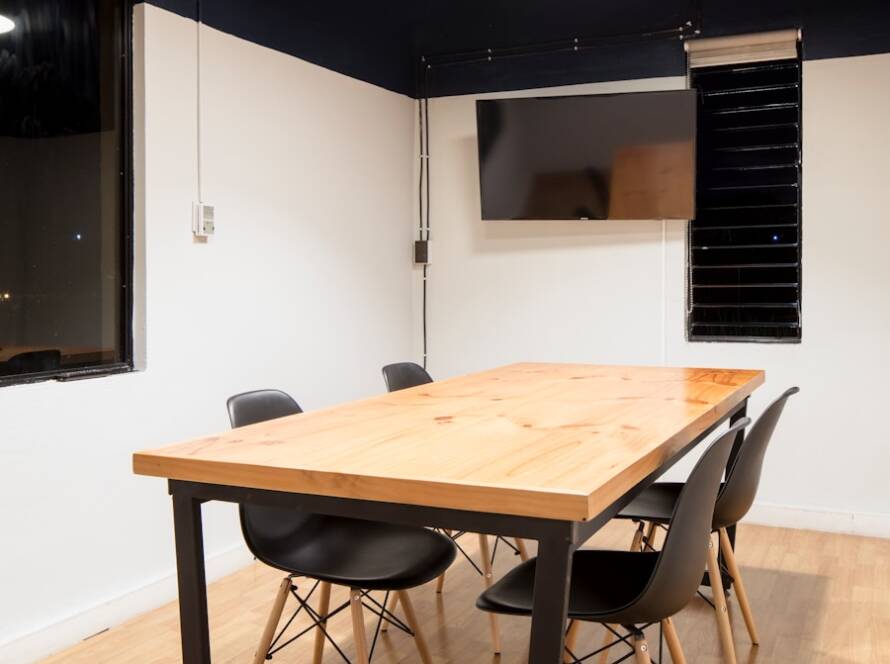
In the modern work environment, the importance of ergonomics cannot be overstated. Ergonomics is the science of designing the workspace to fit the user’s needs, thereby enhancing comfort, efficiency, and productivity. As more individuals transition to remote work, particularly in settings like a basement office, understanding ergonomic features becomes crucial.
A well-designed workspace can significantly reduce the risk of musculoskeletal disorders, eye strain, and other health issues that arise from prolonged periods of sitting or poor posture. The integration of ergonomic features into your workspace involves more than just selecting the right chair or desk; it encompasses a holistic approach to creating an environment that promotes well-being. This includes considering factors such as the height of your desk, the positioning of your computer screen, and even the type of lighting used in the space.
By prioritizing ergonomics, you not only enhance your physical comfort but also foster a more productive and enjoyable work experience.
Key Takeaways
- Ergonomic features are essential for creating a comfortable and efficient workspace.
- Choose furniture that is adjustable, supportive, and fits the space well for your basement office.
- Proper lighting and air quality are crucial for a healthy and productive work environment.
- Create a workstation that promotes good posture and reduces strain on the body.
- Use technology to streamline tasks and enhance comfort in your home office.
Choosing the Right Furniture for Your Basement Office
Adjustable Desks for Comfort and Flexibility
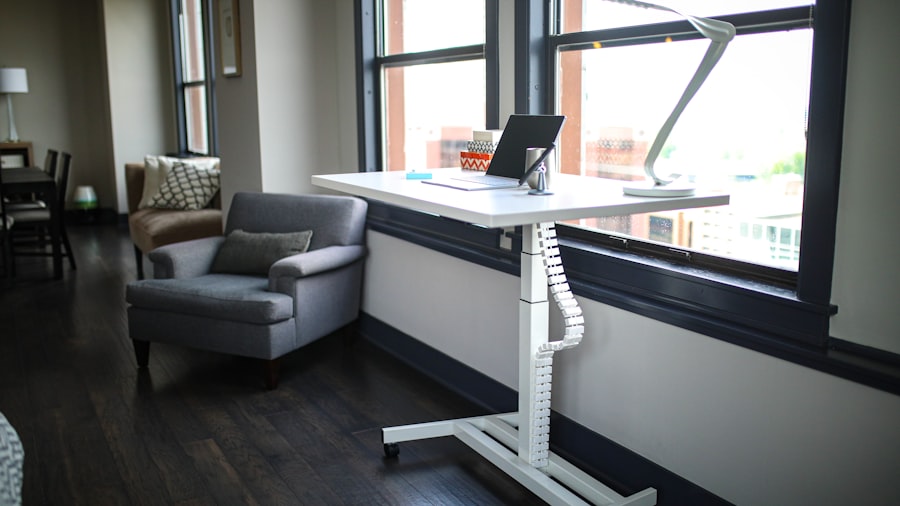
A desk that allows for both sitting and standing positions can be particularly beneficial, as it encourages movement throughout the day. For instance, a sit-stand desk can help alleviate the discomfort associated with prolonged sitting by allowing users to alternate between positions, promoting better circulation and reducing fatigue.
An ergonomic chair should provide adequate lumbar support, allowing the natural curve of the spine to be maintained. Features such as adjustable seat height, armrests, and backrest angle are essential for customizing the chair to fit individual body types.
Customization for Optimal Comfort and Productivity
For example, a chair with a seat depth adjustment can accommodate users of different leg lengths, ensuring that their feet remain flat on the floor while their knees are at a right angle. Investing in high-quality furniture tailored to your specific needs can lead to significant improvements in comfort and productivity.
Setting Up Proper Lighting and Air Quality

Lighting plays a critical role in creating an ergonomic workspace, particularly in a basement office where natural light may be limited. Poor lighting can lead to eye strain, headaches, and decreased focus. To combat these issues, it is advisable to incorporate a combination of ambient, task, and accent lighting.
Ambient lighting provides overall illumination, while task lighting focuses on specific areas where detailed work is performed, such as reading or writing. Desk lamps with adjustable brightness levels can help reduce glare on screens and provide adequate light for various tasks. In addition to lighting, air quality is another vital component of an ergonomic workspace.
Basements can often be prone to dampness and poor ventilation, which can lead to discomfort and health issues over time.
Additionally, incorporating plants into your workspace can enhance air quality while also adding a touch of nature.
Plants such as snake plants or peace lilies are known for their air-purifying properties and can thrive in lower light conditions typical of basement environments.
Creating a Comfortable and Supportive Workstation
A comfortable workstation is essential for maintaining focus and productivity throughout the workday. The arrangement of your desk items should promote an efficient workflow while minimizing strain on your body. For instance, your computer monitor should be positioned at eye level to prevent neck strain; this can be achieved by using monitor risers or adjustable stands.
The distance between your eyes and the screen should ideally be about an arm’s length away to reduce eye fatigue. Moreover, keyboard and mouse placement is crucial for preventing repetitive strain injuries. Both should be positioned so that your elbows remain close to your body and form an angle between 90 and 120 degrees when typing or using the mouse.
Wrist supports can also be beneficial in maintaining a neutral wrist position while typing. By carefully considering these elements when setting up your workstation, you create an environment that supports both comfort and efficiency.
Incorporating Technology for Efficiency and Comfort
In today’s digital age, technology plays a pivotal role in enhancing both comfort and efficiency in the workplace. Ergonomic accessories such as standing desks with built-in cable management systems can help keep your workspace organized while allowing for easy transitions between sitting and standing positions. Additionally, investing in high-quality monitors with adjustable stands can further enhance your ergonomic setup by allowing you to customize screen height and angle.
Moreover, software tools designed for productivity can also contribute to a more comfortable work experience. Applications that remind you to take breaks or stretch can help mitigate the risks associated with prolonged sitting. For example, programs like “Stretchly” or “Workrave” prompt users to take regular breaks, encouraging movement throughout the day.
By integrating technology thoughtfully into your workspace, you not only improve efficiency but also promote a healthier work-life balance.
Organizing and Decluttering Your Workspace
A cluttered workspace can lead to distractions and decreased productivity. Therefore, organizing your basement office is essential for maintaining focus and creating an ergonomic environment. Start by assessing what items are essential for your daily tasks and what can be stored away or discarded.
Utilizing storage solutions such as filing cabinets, shelves, or drawer organizers can help keep your workspace tidy while ensuring that necessary items are easily accessible. Incorporating organizational tools like cable management systems can also contribute to a cleaner aesthetic while reducing tripping hazards associated with tangled cords. Labeling storage containers or folders can further streamline your workflow by making it easier to locate documents or supplies when needed.
By prioritizing organization and decluttering your workspace, you create an environment that fosters concentration and enhances overall productivity.
Adding Personal Touches and Decor for a Cozy Atmosphere
While functionality is paramount in an ergonomic workspace, personal touches and decor play a significant role in creating a cozy atmosphere that enhances motivation and creativity. Consider incorporating elements that reflect your personality or interests—such as artwork, photographs, or inspirational quotes—into your basement office design. These personal touches not only make the space feel more inviting but also serve as sources of inspiration during challenging workdays.
Additionally, choosing colors that promote calmness or creativity can influence your mood while working. Soft blues or greens are often associated with tranquility, while brighter colors like yellow or orange can stimulate energy and creativity. Textiles such as rugs or cushions can add warmth to the space while also providing comfort during long hours of work.
By thoughtfully curating decor elements that resonate with you personally, you create an environment that is not only functional but also enjoyable to spend time in.
Maintaining and Adjusting Ergonomic Features for Long-Term Use
Creating an ergonomic workspace is not a one-time task; it requires ongoing maintenance and adjustments to ensure long-term comfort and efficiency. Regularly reassessing your workstation setup is essential as your needs may change over time due to factors such as changes in job responsibilities or physical health conditions. For instance, if you find yourself experiencing discomfort after long hours of work, it may be time to reevaluate your chair height or monitor position.
Additionally, staying informed about new ergonomic products or research can help you make informed decisions about potential upgrades to your workspace. Participating in workshops or webinars focused on ergonomics can provide valuable insights into best practices for maintaining a healthy work environment. By committing to regular evaluations and adjustments of your ergonomic features, you ensure that your basement office remains a comfortable and productive space for years to come.
If you are looking to create a cozy and functional basement office space, you may also be interested in incorporating a basement bar lounge installation. This article from basementremodelingesg.com provides tips and inspiration for transforming your basement into a stylish and inviting entertainment area. By combining ergonomic features with a relaxing lounge atmosphere, you can create a versatile space that meets both your work and leisure needs.
FAQs
What are ergonomic features?
Ergonomic features are design elements that are intended to improve the efficiency and comfort of a workspace. These features are often focused on promoting good posture, reducing strain on the body, and increasing overall productivity.
Why is it important to incorporate ergonomic features in a basement office?
Incorporating ergonomic features in a basement office is important because it can help prevent discomfort, fatigue, and potential injury that can result from prolonged periods of sitting and working. By creating a workspace that is ergonomically friendly, individuals can improve their overall well-being and productivity.
What are some examples of ergonomic features that can be incorporated in a basement office?
Examples of ergonomic features that can be incorporated in a basement office include adjustable desks and chairs, proper lighting to reduce eye strain, ergonomic keyboard and mouse, footrests, and monitor stands to ensure proper viewing angles.
How can I incorporate ergonomic features in my Brooklyn basement office?
To incorporate ergonomic features in your Brooklyn basement office, you can start by investing in ergonomic furniture and accessories, arranging your workspace to promote good posture and movement, and ensuring proper lighting and ventilation. It’s also important to take regular breaks and incorporate stretching and movement into your work routine.